
Make a Standout LinkedIn Profile with linkedin banner free
Create a linkedin banner free with our top tools, templates, and tips to elevate your LinkedIn profile and attract clicks.
Your LinkedIn banner is prime digital real estate, the first and most impactful visual element visitors see on your profile. A generic, blank, or poorly designed banner is a significant missed opportunity to convey your professional brand, highlight your expertise, or communicate your unique value proposition. It functions as your personal billboard, setting the tone for your entire profile before a single line of your summary is even read.
This guide is designed to eliminate the guesswork and cost associated with creating a standout visual. We have curated a comprehensive list of the best platforms and resources where you can design a professional linkedin banner free of charge. We move beyond simple lists and provide actionable insights into each tool, helping you select the perfect one for your specific needs, whether you are a creative professional, a sales leader, or a job seeker.
Each resource listed includes a direct link, a clear screenshot, and a practical analysis of its strengths and limitations. We cover everything from expansive template libraries and user-friendly banner makers to sources for high-quality stock imagery. Furthermore, we’ll delve into technical specifications, design principles, and best practices to ensure your final creation is not only visually appealing but also perfectly optimised. To truly make your banner an asset, understanding optimal dimensions is crucial. Consult this Ultimate LinkedIn Graphic Sizes Guide to ensure your design fits perfectly across all devices, avoiding awkward cropping or pixelation. Consider this your definitive resource for transforming your LinkedIn profile from standard to standout without any financial investment.
1. Canva
Canva is arguably the most recognised name in accessible graphic design, and for good reason. It provides a massive library of professionally designed templates, making it an ideal starting point for anyone needing a high-quality linkedin banner free of charge. The platform’s core strength lies in its intuitive drag-and-drop editor, which removes the steep learning curve associated with traditional design software like Photoshop. You can start with a pre-sized LinkedIn banner template and customise it in minutes.
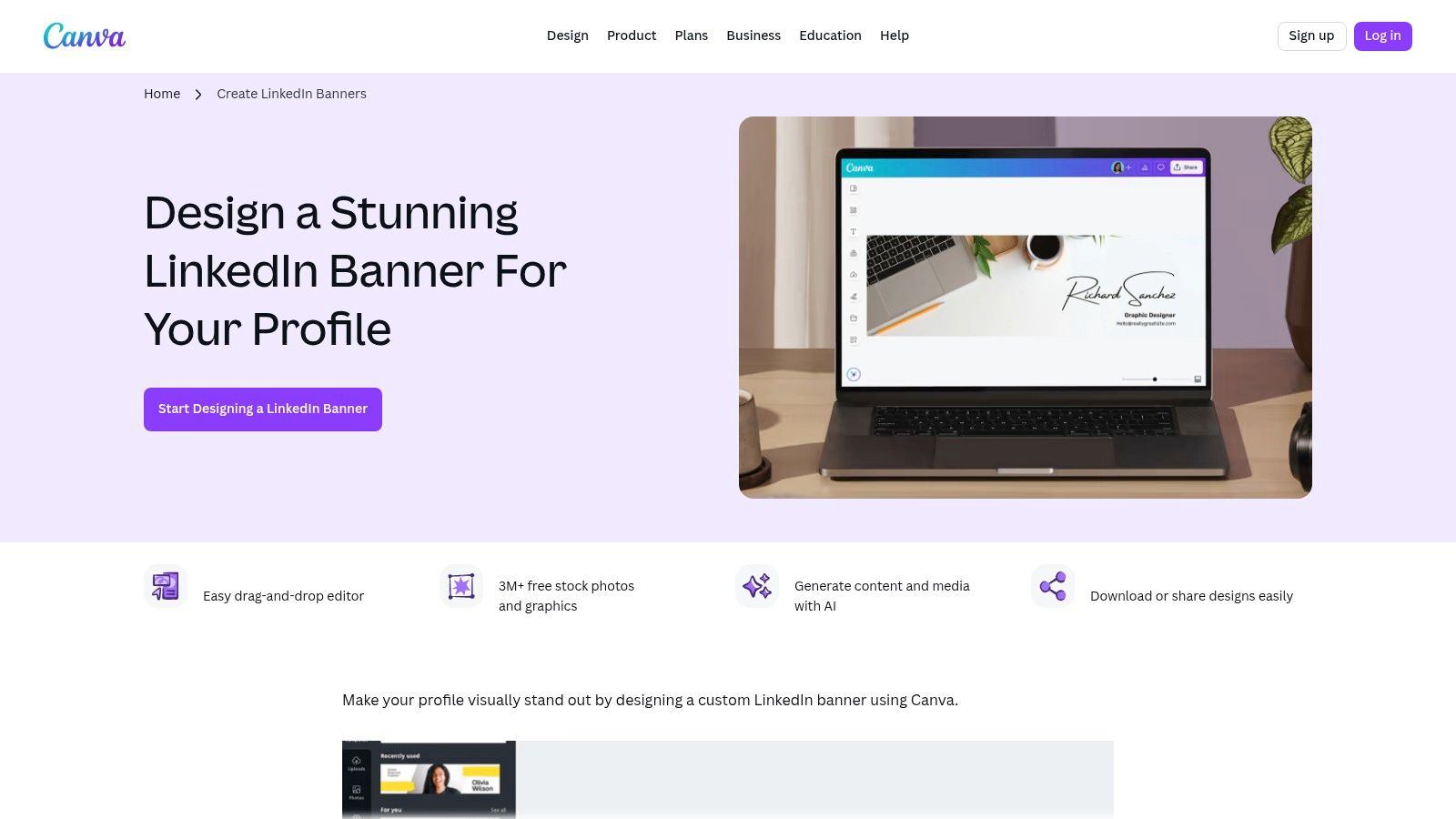
The free tier is remarkably generous, offering access to thousands of templates, a vast library of free stock photos, graphics, and fonts. This makes it entirely possible to create a unique and polished banner without spending a penny. For those seeking inspiration before they begin, exploring different design concepts can be helpful; you can find a curated collection of the 10 best LinkedIn banner ideas to spark your creativity. While some of the most desirable assets are locked behind a Canva Pro subscription, the free selection is more than sufficient for most users.
Key Features and User Experience
- Ease of Use: The interface is clean and user-friendly on both web and mobile apps, making design work accessible to absolute beginners.
- Free Assets: A huge collection of free photos, icons, and fonts are available. A crown icon clearly marks premium elements, so you know which ones to avoid to keep your design free.
- Export Options: Free users can download their finished banners as high-quality PNG or JPG files, perfect for uploading to LinkedIn.
Website: https://www.canva.com/create/linkedin-banners/
2. Adobe Express
Adobe Express, part of the renowned Adobe creative suite, brings professional-grade design tools into a user-friendly and accessible online platform. It stands out by offering exceptionally polished and well-structured templates, making it an excellent choice for users who want to create a sophisticated linkedin banner free of charge. The editor is clean and powerful, providing a seamless experience for those looking to customise everything from typography to imagery with precision. You can begin with a perfectly sized template and quickly adapt it to reflect your personal or company brand.
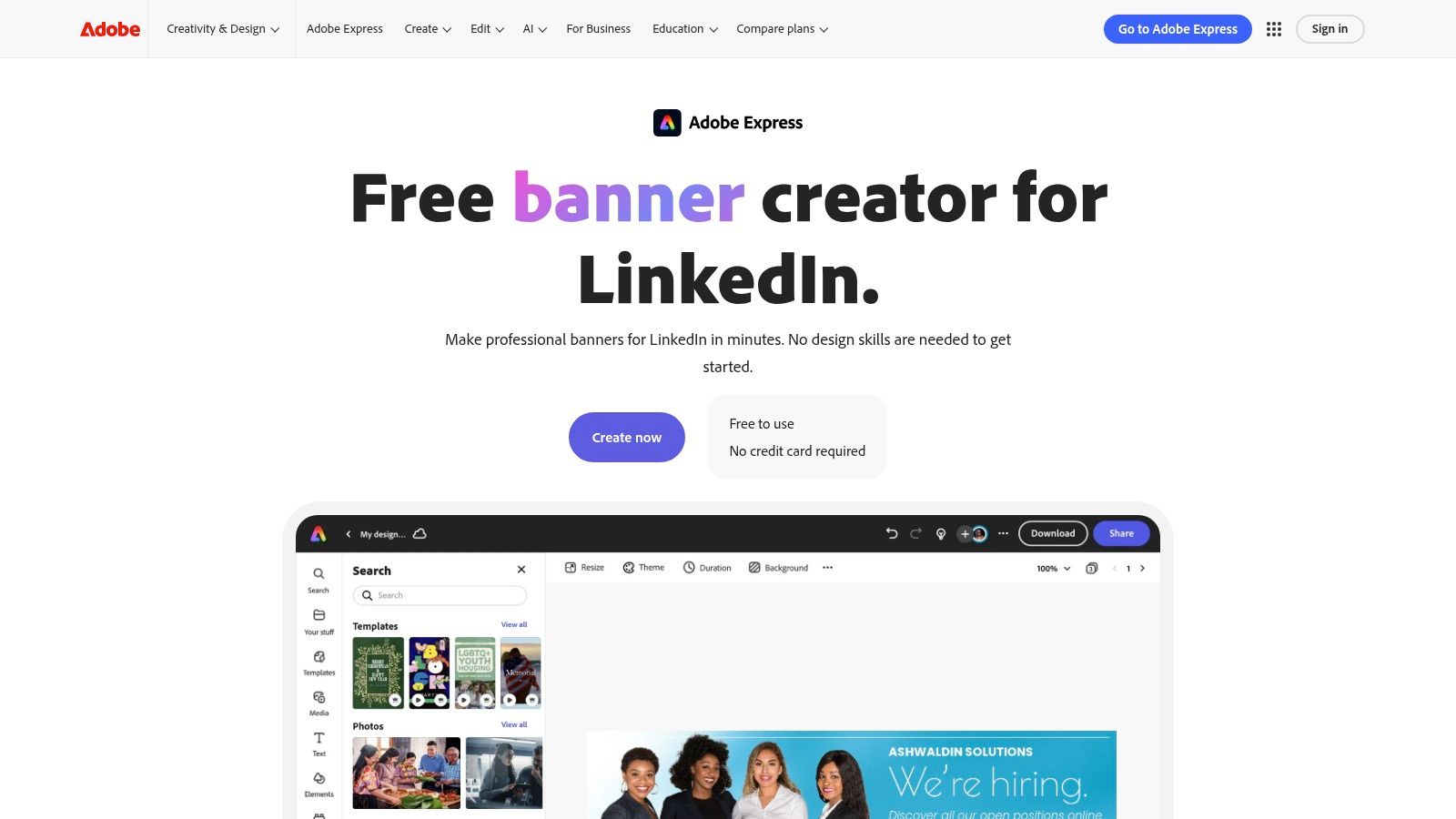
The free plan is impressively capable, granting access to a wide selection of templates, Adobe Stock photos, and Adobe Fonts. A significant advantage is that free users can download their creations without a watermark, a feature not always offered by competing tools. While the most premium assets and advanced features like one-click resizing for different social media formats are reserved for the paid version, the free offering provides more than enough functionality to design a high-impact banner. You will need to sign in with an account to download your finished design.
Key Features and User Experience
- Ease of Use: The interface is intuitive, leveraging Adobe’s design expertise to provide a smooth creative process on both web and mobile platforms.
- Free Assets: Users get access to thousands of free templates, a curated collection of royalty-free Adobe Stock photos, and a strong library of high-quality fonts.
- Export Options: Finished banners can be downloaded as high-quality PNG or JPG files without any watermarks, which is ideal for a professional LinkedIn profile.
Website: https://www.adobe.com/express/create/banner/linkedin
3. Fotor
Fotor is a strong contender in the online design space, positioning itself as a powerful yet easy-to-use editor with some unique AI-driven features. It offers a dedicated collection of templates specifically for creating a linkedin banner free of charge, serving as an excellent alternative for those looking for a different style than other major platforms. Its interface will feel familiar to anyone who has used an online design tool, combining a template-based approach with simple customisation options.
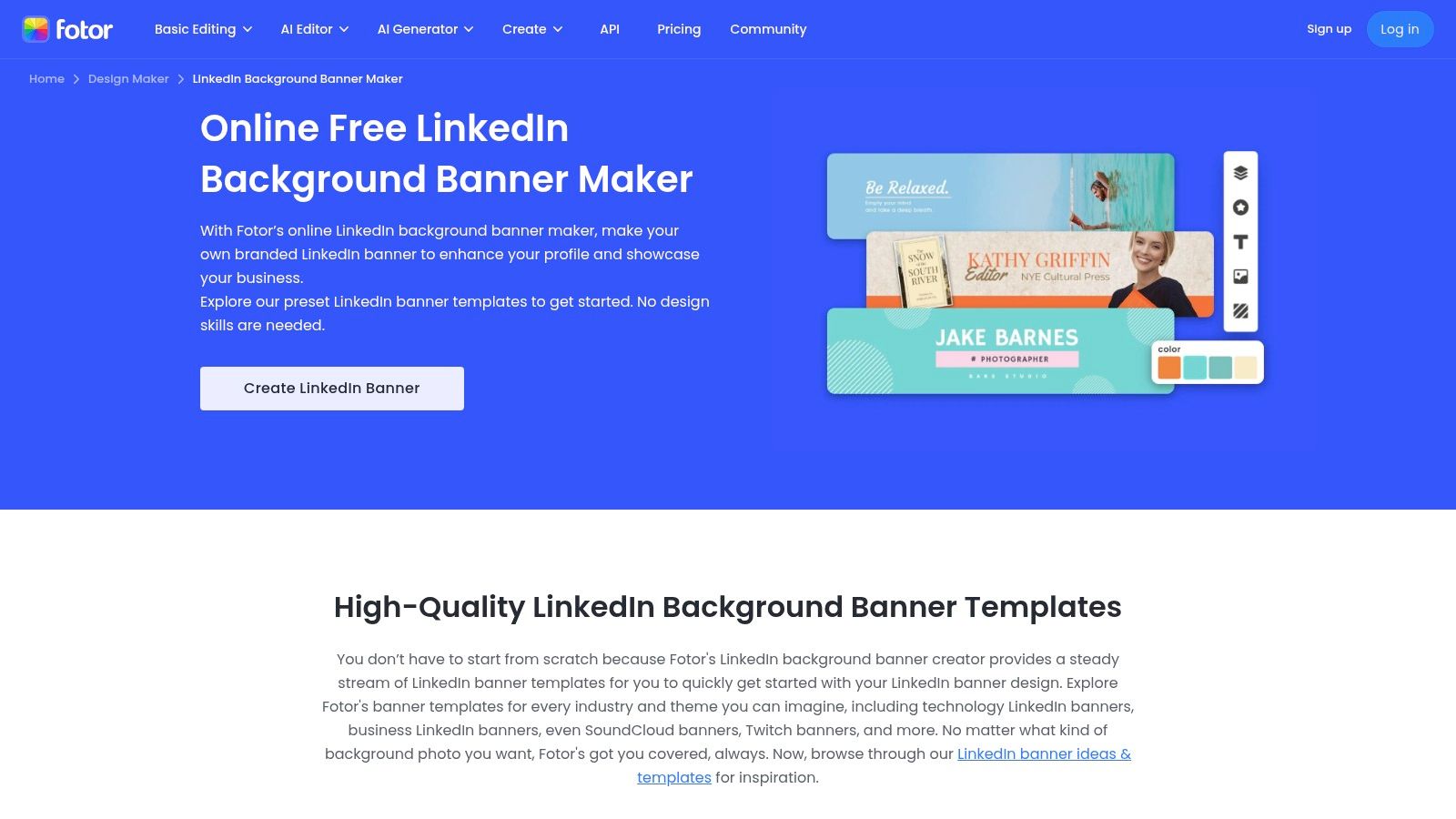
What sets Fotor apart are its integrated AI tools, such as background removers and image enhancers, which can help you refine personal headshots or product images directly within your banner design. While the free plan is quite capable, users should be mindful that many of the more advanced templates and AI features are reserved for Pro subscribers. Furthermore, it’s crucial to check export options, as some free downloads may come with a watermark or be limited in quality. Even with these limitations, Fotor provides more than enough tools to create a professional banner, and understanding the ideal dimensions for LinkedIn post images will ensure your final design looks sharp.
Key Features and User Experience
- AI-Powered Tools: The free plan offers access to basic AI photo editing tools, which can be useful for quickly touching up images before adding them to your banner.
- Template Variety: Provides a good range of modern and professional LinkedIn banner templates to get you started quickly.
- Clear Pro Indicators: Like Canva, Fotor clearly marks premium assets, so you can easily stick to free elements to avoid unexpected costs. However, some users have reported billing issues with subscriptions, so evaluate carefully before upgrading.
Website: https://www.fotor.com/design/banner-maker/linkedin/
4. Freepik
Freepik is a powerhouse for design assets, offering a vast repository of vector files, PSDs, and photos. It stands out for those who want more control over their designs, providing downloadable source files that can be edited in professional software like Adobe Illustrator or Photoshop. This makes it an excellent choice for creating a linkedin banner free of the constraints of a web-based editor, allowing for deep customisation if you have the right tools.
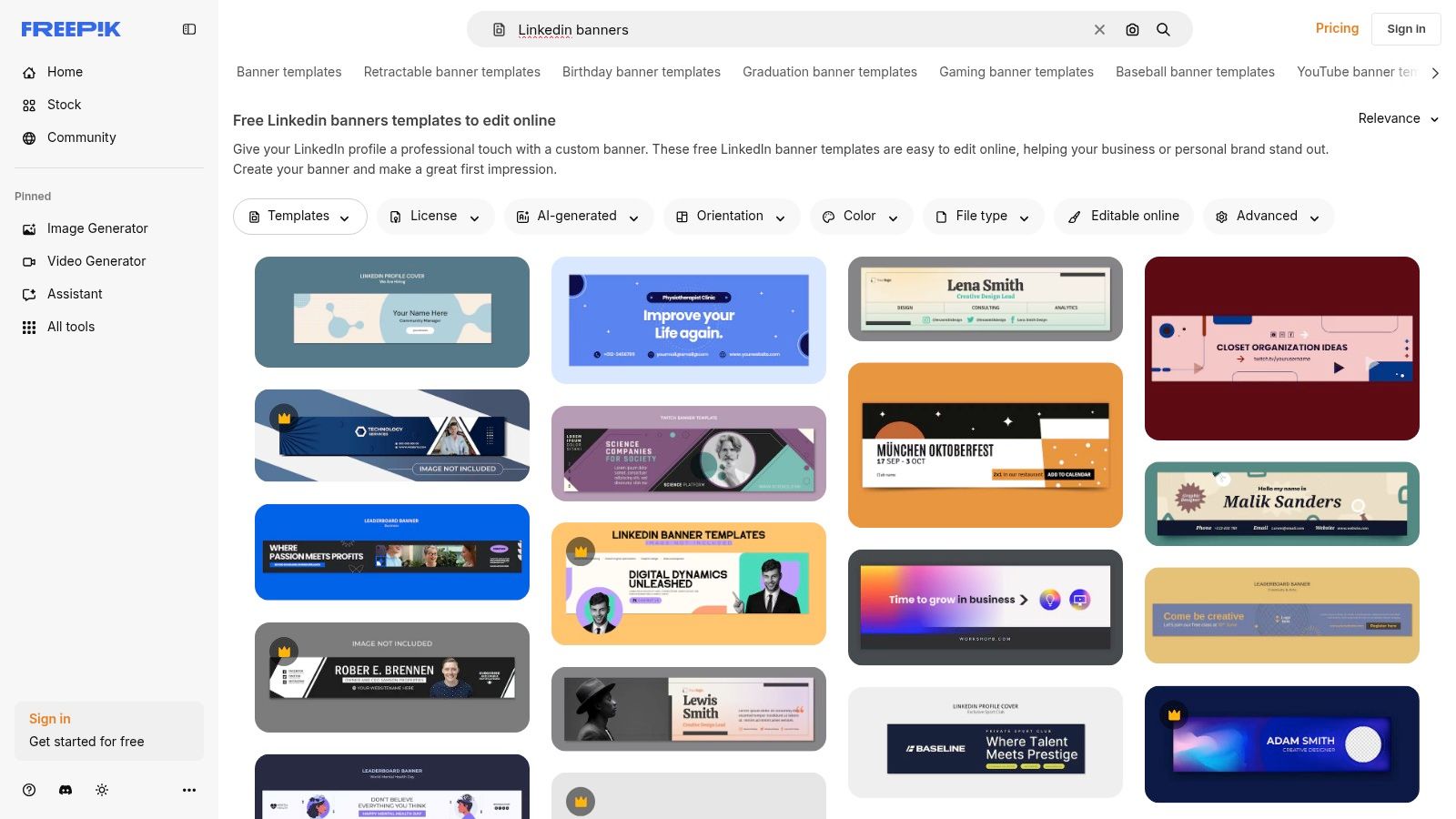
The platform has a dedicated section for LinkedIn banner templates, many of which are available for free. However, the free model often requires you to provide attribution to Freepik when you use their assets, which is an important consideration for a professional profile. While many of the most polished and modern designs are reserved for Premium subscribers, the free library is extensive and frequently updated with new content, ensuring you can find high-quality options without a subscription.
Key Features and User Experience
- Downloadable Source Files: Unlike many web-based tools, Freepik provides access to editable vector (AI, EPS) and Photoshop (PSD) files, giving designers ultimate control.
- Massive Asset Library: Beyond templates, you can find millions of free icons, photos, and illustrations to build a banner from scratch.
- Clear Licensing: The platform clearly distinguishes between free and premium assets. Free assets require attribution, which is a key factor to remember for professional use.
Website: https://www.freepik.com/templates/linkedin-banners
5. Snappa
Snappa positions itself as the fastest way for non-designers to create professional graphics, and it lives up to this claim for creating a linkedin banner free of charge. The platform is engineered for speed and simplicity, making it a fantastic choice for marketers, entrepreneurs, and small business owners who need to produce high-quality visuals without a significant time investment. Its interface is incredibly streamlined, presenting users with correctly sized templates from the moment they start.
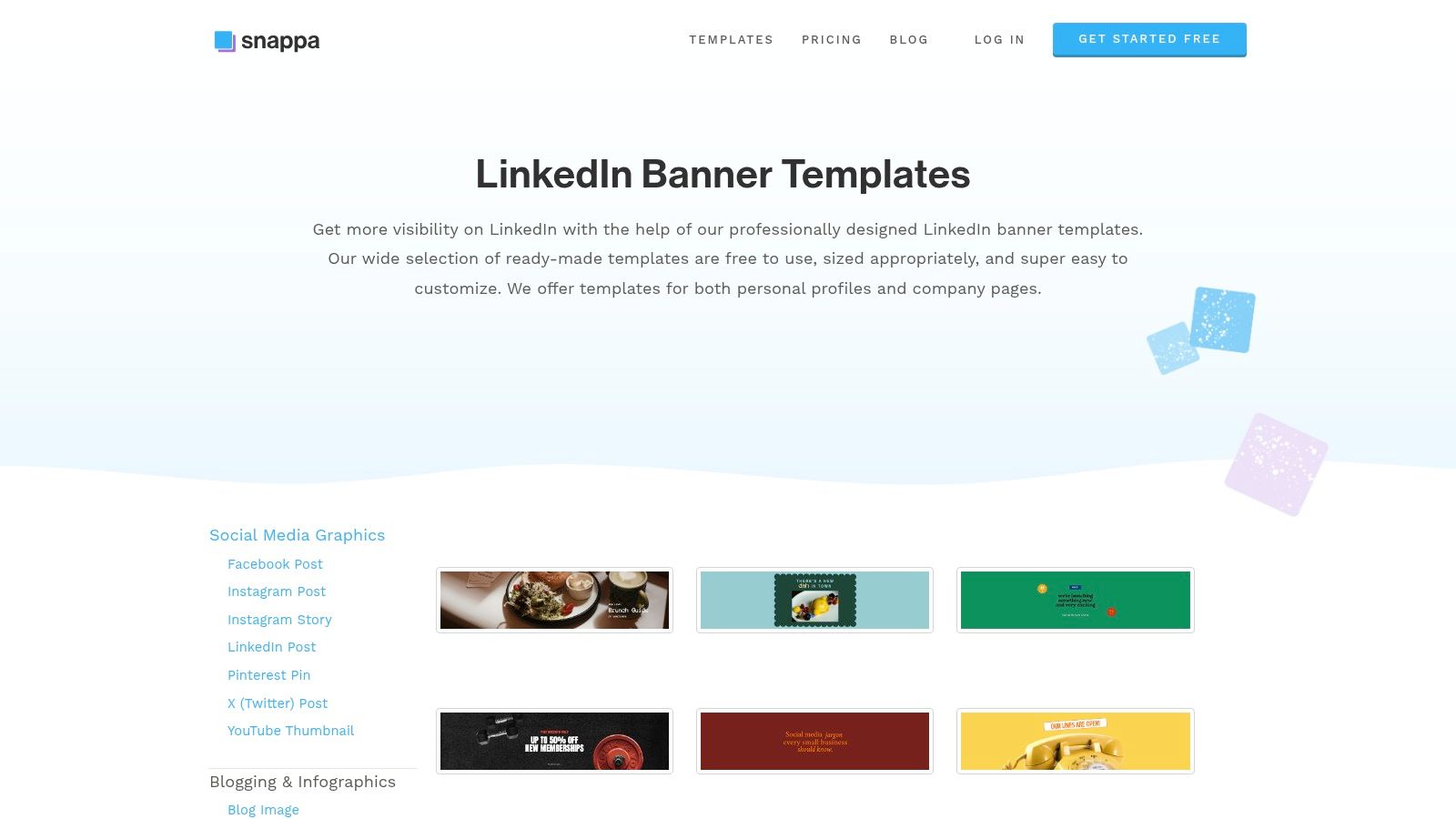
The primary advantage of Snappa is its uncluttered and intuitive design environment. It offers a respectable library of modern and clean templates that are easy to customise. While its free template and asset library is smaller than behemoths like Canva, the quality is consistently high. The most significant limitation of the free “Starter” plan is the cap of three downloads per month. However, for a user needing to create just one or two excellent banners, this is a perfectly viable and efficient option. The one-click resize feature is a standout, allowing you to repurpose your LinkedIn banner design for other social media platforms in seconds, although this is a paid feature.
Key Features and User Experience
- Ease of Use: Snappa’s interface is exceptionally straightforward and perhaps one of the easiest to learn on this list, focusing purely on essential design tools.
- Free Assets: The free plan includes access to a large library of high-resolution, royalty-free stock photos, graphics, and pre-made templates.
- Download Limitations: The free plan is restricted to three downloads per month, which is important to consider before investing time in a design.
Website: https://snappa.com/templates/linkedin-banner
6. Kapwing
Kapwing is a browser-based video and image editor that excels in speed and collaboration, offering a massive catalogue of editable templates. With over 4,000 pre-designed LinkedIn banners, it’s a powerful tool for users who need to create a professional header quickly without downloading any software. The platform is particularly strong for teams or individuals looking for fast, collaborative editing directly in their web browser, making it easy to share and get feedback on designs.
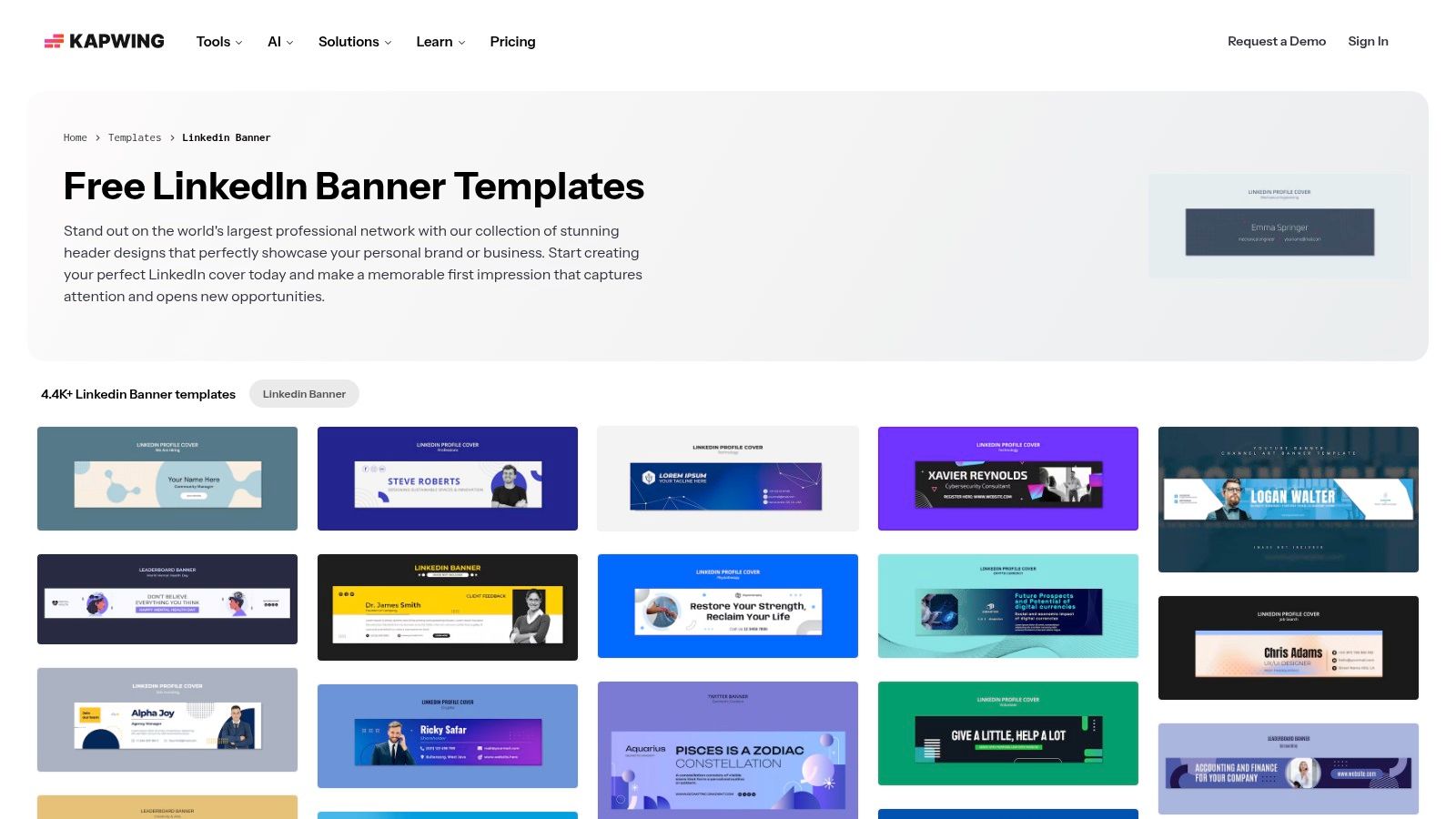
The primary trade-off with Kapwing’s free tier is the watermark. While you can access and customise a vast number of templates and assets, any exported project will include a small Kapwing watermark. Removing this requires a paid subscription. For users who don’t mind the watermark or plan to use the editor for initial drafts before finalising a design elsewhere, Kapwing provides an extremely efficient way to create a linkedin banner free of charge. The performance is smooth, and its template-first approach gets you customising in seconds.
Key Features and User Experience
- Vast Template Library: Offers thousands of modern and professional LinkedIn banner templates, each on an individual page for a quick start.
- Performance: As a browser-based tool, its performance is notably fast and responsive, allowing for smooth editing and quick exports.
- Watermark on Free Plan: The most significant limitation is that all projects exported on the free plan will have a Kapwing watermark, which may not be ideal for a professional profile.
Website: https://www.kapwing.com/templates/linkedin-banner
7. Visme
Visme positions itself as a comprehensive visual content creation tool, extending far beyond simple social media graphics. It’s an excellent choice for professionals who want to create a linkedin banner free of charge that aligns perfectly with other branded materials like presentations, infographics, and reports. The platform specialises in data visualisation, allowing you to incorporate charts and data widgets into your banner for a more analytical and professional aesthetic.
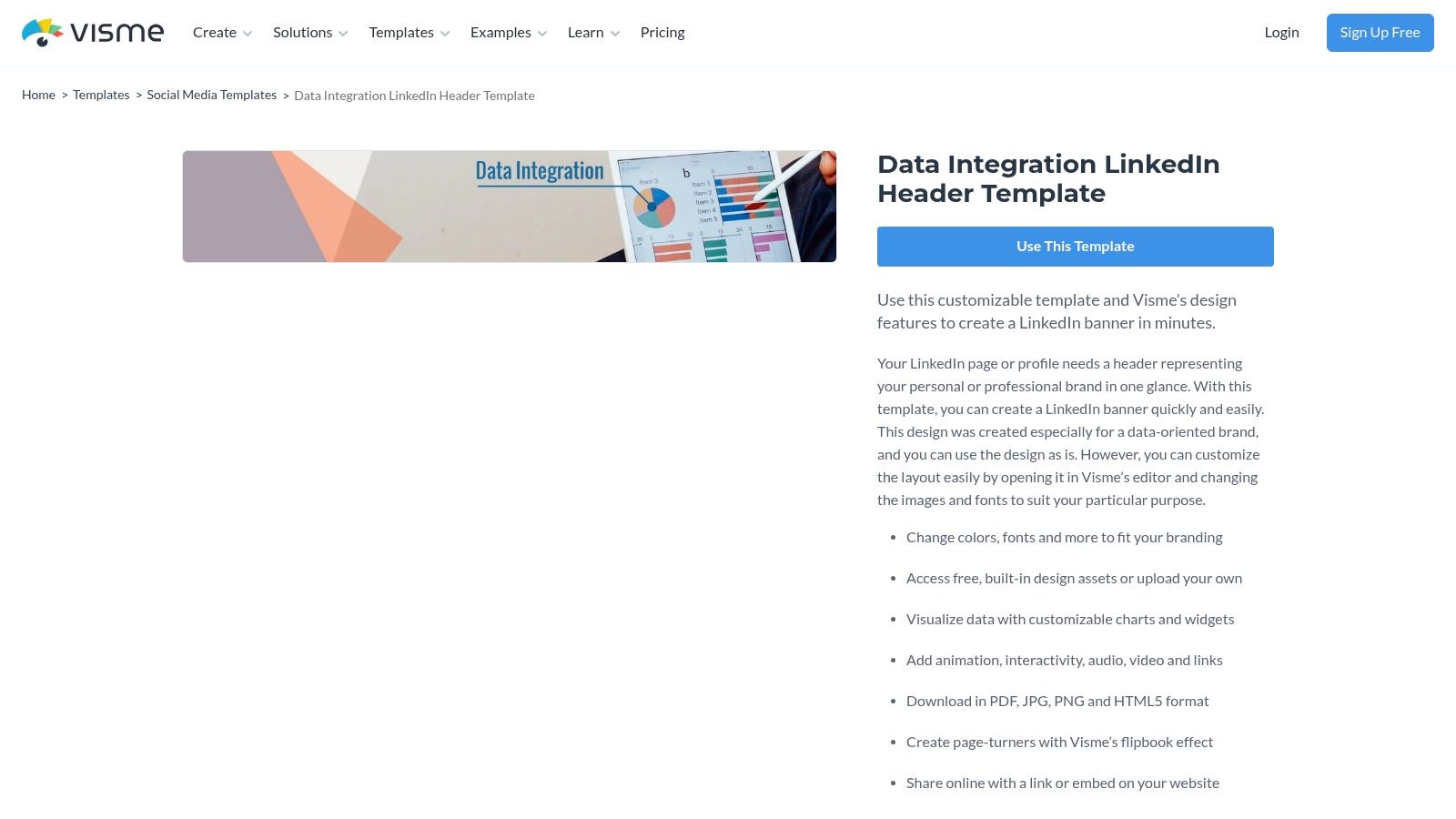
While the editor is powerful, the free plan has notable limitations. You can design your banner using a wide range of templates and assets, but downloading it as a high-quality JPG or PNG file is restricted to premium users. The free download is a low-quality JPG with a Visme watermark. However, it’s still a fantastic platform for generating ideas and creating a banner concept, especially if you want it to mirror the visual identity used in your other professional documents. For those focused on creating a cohesive online presence, understanding the principles of LinkedIn personal branding is a crucial first step.
Key Features and User Experience
- Brand Cohesion: Visme excels at maintaining brand consistency across different types of visual content, thanks to its Brand Kit feature (though limited on the free plan).
- Data Widgets: A standout feature is the ability to add charts, graphs, and other data widgets, which is ideal for professionals in data-driven fields.
- Asset Library: The platform provides access to a large library of high-quality icons, photos, and pre-designed content blocks to build your banner.
Website: https://www.visme.co/templates/social-media-graphics/data-integration-linkedin-header-1425276433/
8. Venngage
Venngage is an online design platform that excels at guiding non-designers through the creation process. Its primary focus on infographics and data visualisation translates well into its banner maker, offering a structured, step-by-step flow to help you produce a professional linkedin banner free from complexity. The platform provides a well-organised library of templates, icons, stock photos, and curated colour palettes, making it particularly approachable for those who feel overwhelmed by more open-ended editors.
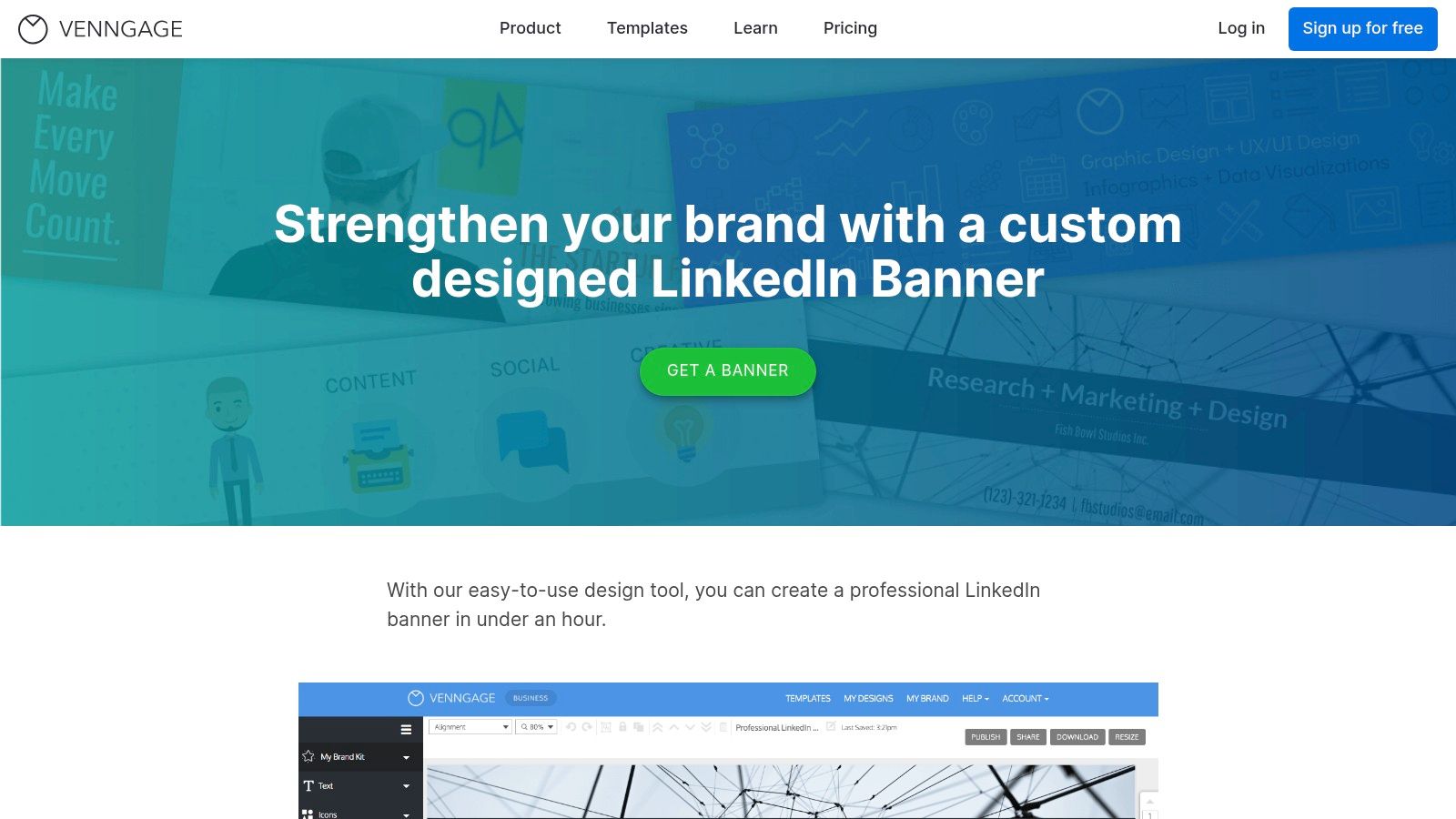
While Venngage is excellent for brainstorming and creating a design, its free plan has a significant limitation: you cannot download your creation. The free tier only allows for public sharing via a link. This makes it more of a design tool to visualise a concept rather than a direct source for a free downloadable banner. To save your work as a PNG or in high definition, a premium subscription is required. However, the user-friendly editor and helpful resources like tutorials and live chat support still make it a valuable tool for ideation.
Key Features and User Experience
- Guided Design Flow: The editor is very approachable, providing clear template categories and helpful tips that guide you toward an effective banner layout.
- Rich Asset Library: Access a solid collection of icons, stock photos, and pre-made colour palettes designed to work well together.
- Support Resources: Venngage offers tutorials and live chat support, which is a rare and valuable feature for a free-tier design tool.
Website: https://venngage.com/features/LinkedIn-banner
9. Pixelied
Pixelied positions itself as a streamlined and lightweight design tool, making it an excellent choice for users who need a professional linkedin banner free of complicated features. It offers a clean and accessible editor with a selection of pre-sized LinkedIn banner templates that serve as a solid foundation for quick customisation. The platform is particularly effective for creating clean, minimalist, or text-focused banners without a steep learning curve.
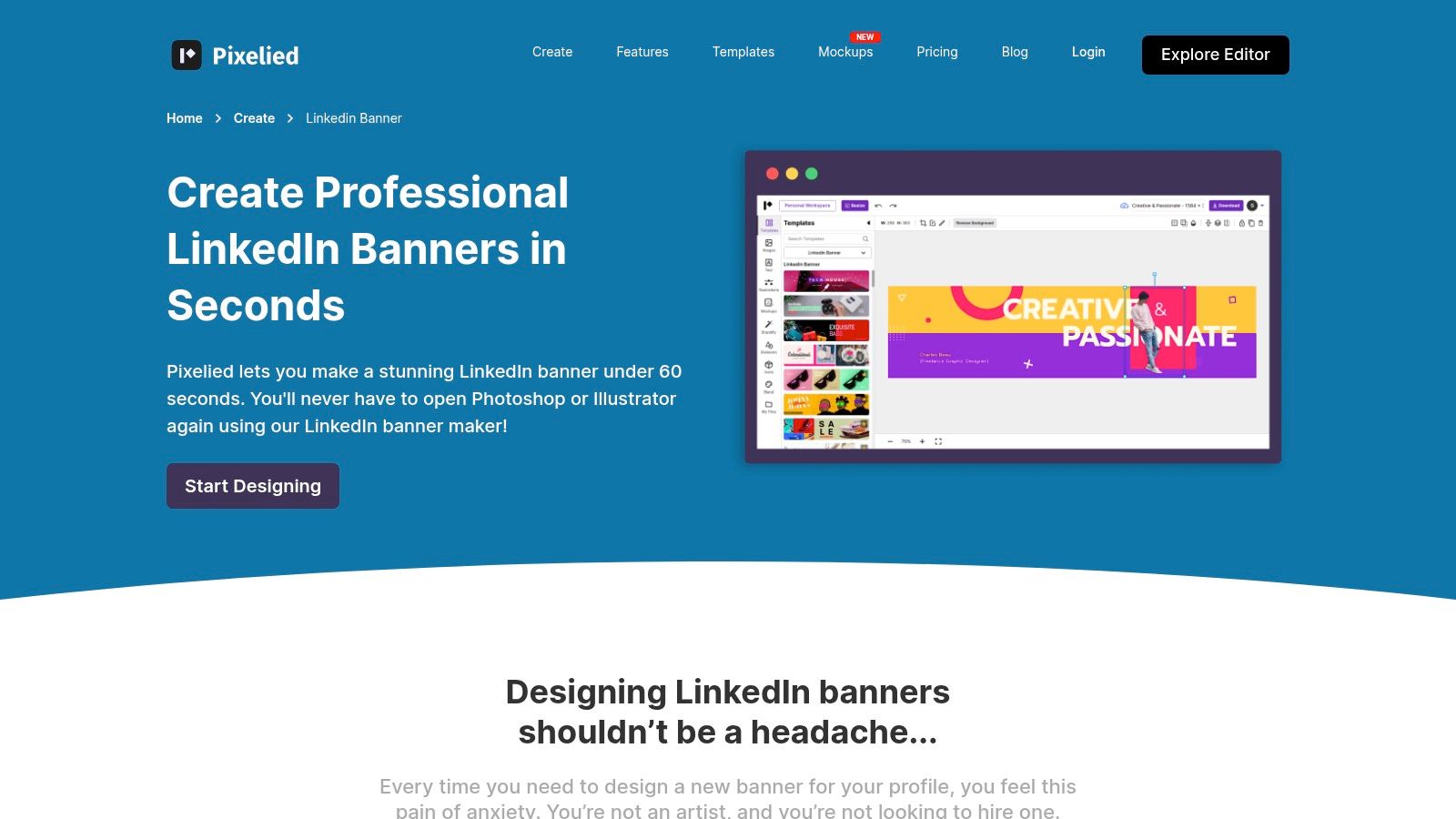
The free plan provides enough functionality to design and export a high-quality banner. You get access to a decent library of stock photos, icons, and fonts to build your design from scratch or modify an existing template. While Pixelied’s template library is smaller than some larger competitors, the available options are modern and well-designed. More advanced features, such as the AI background remover and premium assets, are reserved for its affordable Pro subscription, but the core tools are sufficient for most users’ needs.
Key Features and User Experience
- Ease of Use: The user interface is straightforward and uncluttered, allowing for rapid design and editing without overwhelming beginners.
- Free Assets: Provides a good selection of royalty-free stock photos, illustrations, and icons to incorporate into your banner design.
- Export Options: Finished designs can be easily downloaded in JPG or PNG formats, ready for immediate upload to your LinkedIn profile.
Website: https://pixelied.com/create/linkedin-banner
10. Picsart
Picsart is a powerful and popular editor that excels in both mobile and web-based design, making it a fantastic choice for creating a linkedin banner free on the go. Known for its strong focus on creative filters, AI-powered tools, and a user-friendly interface, Picsart provides a suite of modern templates that cater to contemporary aesthetics. Its platform is perfect for professionals who prefer to handle design tasks on their phone or tablet but still want access to robust editing capabilities.
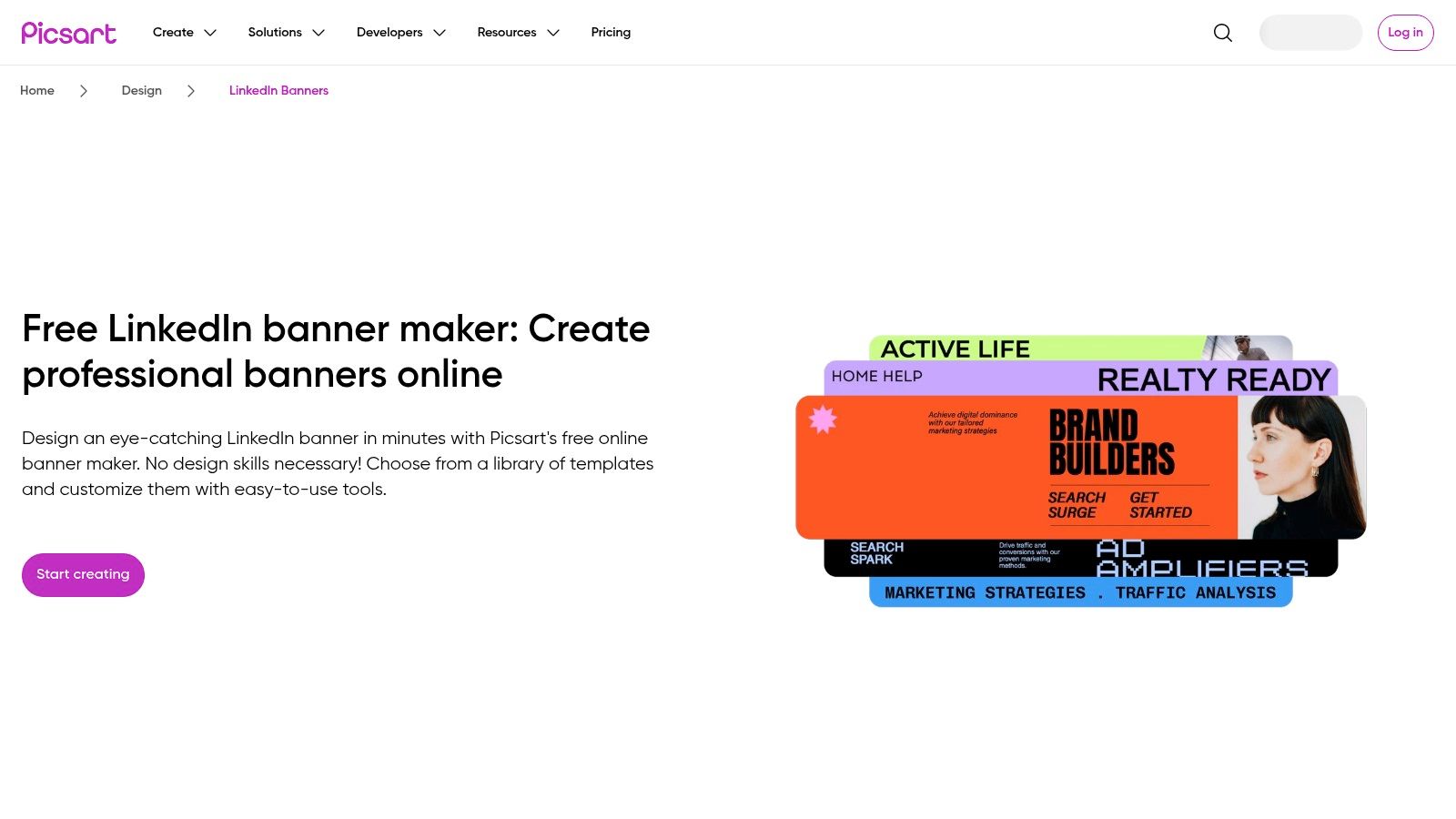
The free plan offers a solid selection of pre-sized LinkedIn banner templates, effects, stickers, and text tools to build a professional header from scratch. Where Picsart truly stands out is its integration of AI features, which can help generate backgrounds or unique visual elements. This can be particularly useful for those looking to create something truly distinctive; you can even explore the best AI LinkedIn photo generators to complement your new banner. While many advanced tools and assets are part of its premium subscriptions (Plus/Pro/Ultra), the free version is more than capable for crafting a high-quality banner.
Key Features and User Experience
- Mobile-First Design: The app is exceptionally well-optimised for mobile devices, allowing for quick and intuitive edits from anywhere.
- AI-Powered Tools: Access to a range of AI effects and tools, even on the free plan, provides unique creative possibilities not found in many other editors.
- Modern Template Library: Picsart frequently updates its templates with fresh, modern designs that align with current visual trends.
Website: https://picsart.com/linkedin-banner-design
11. Kittl
Kittl is a powerful, EU-based design platform that stands out with its exceptional typography tools and highly curated templates. It offers a sophisticated alternative for professionals who want to create a linkedin banner free of charge, with a focus on high-quality fonts and artistic text effects. The platform provides a streamlined experience, combining an intuitive editor with integrated asset libraries to help you build a professional banner from scratch or a template.
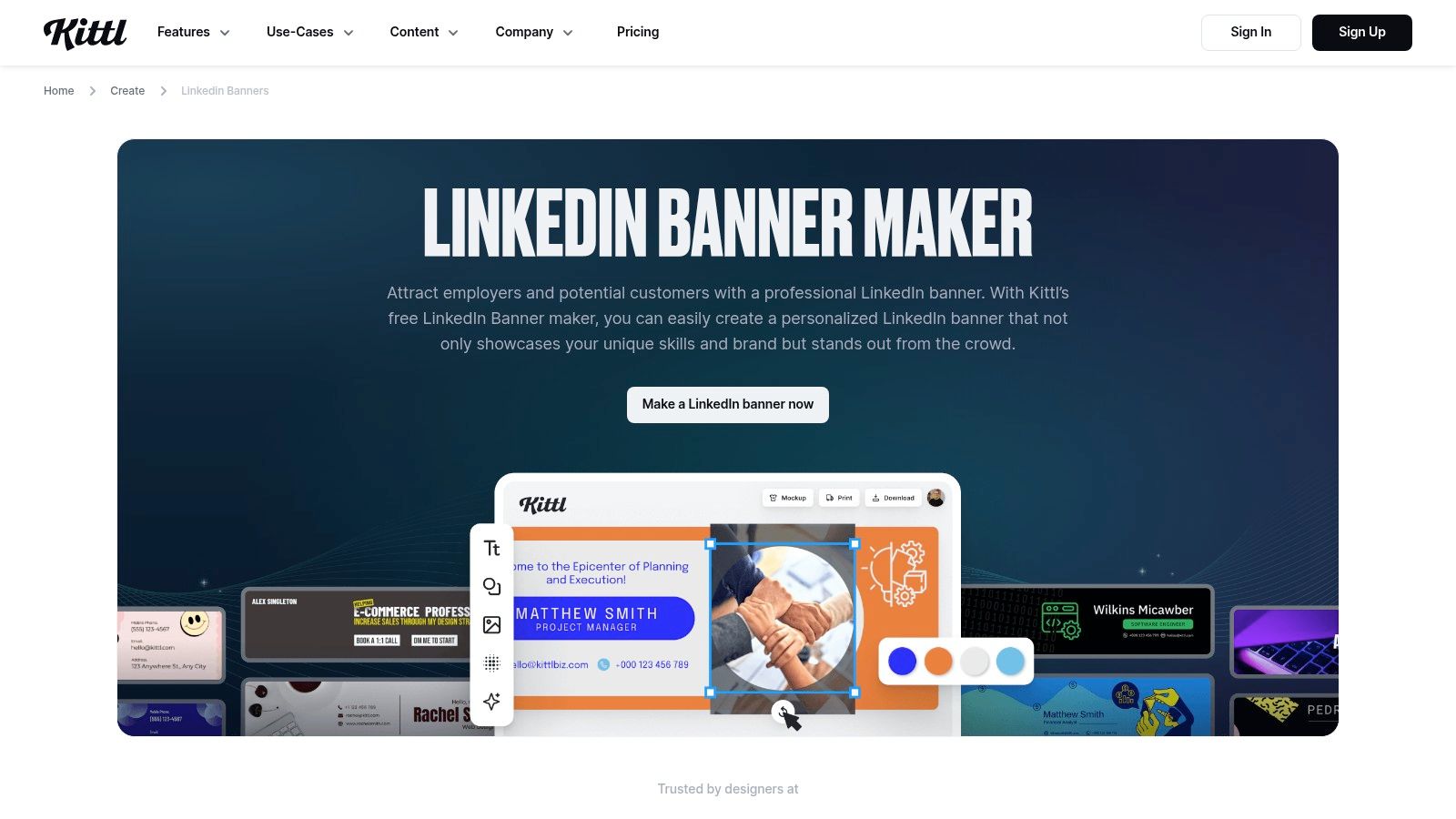
While the editor itself is modern and fast, Kittl’s free plan has specific limitations users should be aware of. Downloads are restricted to low-resolution JPGs (800px wide, 72 dpi), which may appear slightly soft on high-resolution displays but are generally acceptable for web use. Furthermore, the free licence is strictly for personal, non-commercial use. This makes it an excellent choice for students, job seekers, or personal branding efforts, but professionals needing commercial rights or high-resolution vector files will need to upgrade to a paid plan.
Key Features and User Experience
- Advanced Typography: Kittl excels with its text editing capabilities, including easy-to-use warping, shadows, and other advanced effects that are difficult to replicate in other free tools.
- Integrated Assets: The platform includes seamless access to asset libraries like Unsplash for photos and a vast collection of illustrations and icons, streamlining the design process.
- Licensing Transparency: The platform is very clear about its licensing. The free tier is for personal use only, while paid plans unlock commercial rights and high-resolution, print-friendly exports.
Website: https://www.kittl.com/create/linkedin-banners
12. Picmaker
Picmaker positions itself as a streamlined, no-fuss alternative for creating a professional linkedin banner free from watermarks. It’s designed for users who need a quality banner quickly without navigating the complexities of more feature-heavy platforms. The tool offers a solid collection of pre-sized templates specifically for LinkedIn, allowing for rapid customisation and download. Its primary appeal is the straightforward, lightweight editor that prioritises speed and simplicity over an exhaustive feature set.
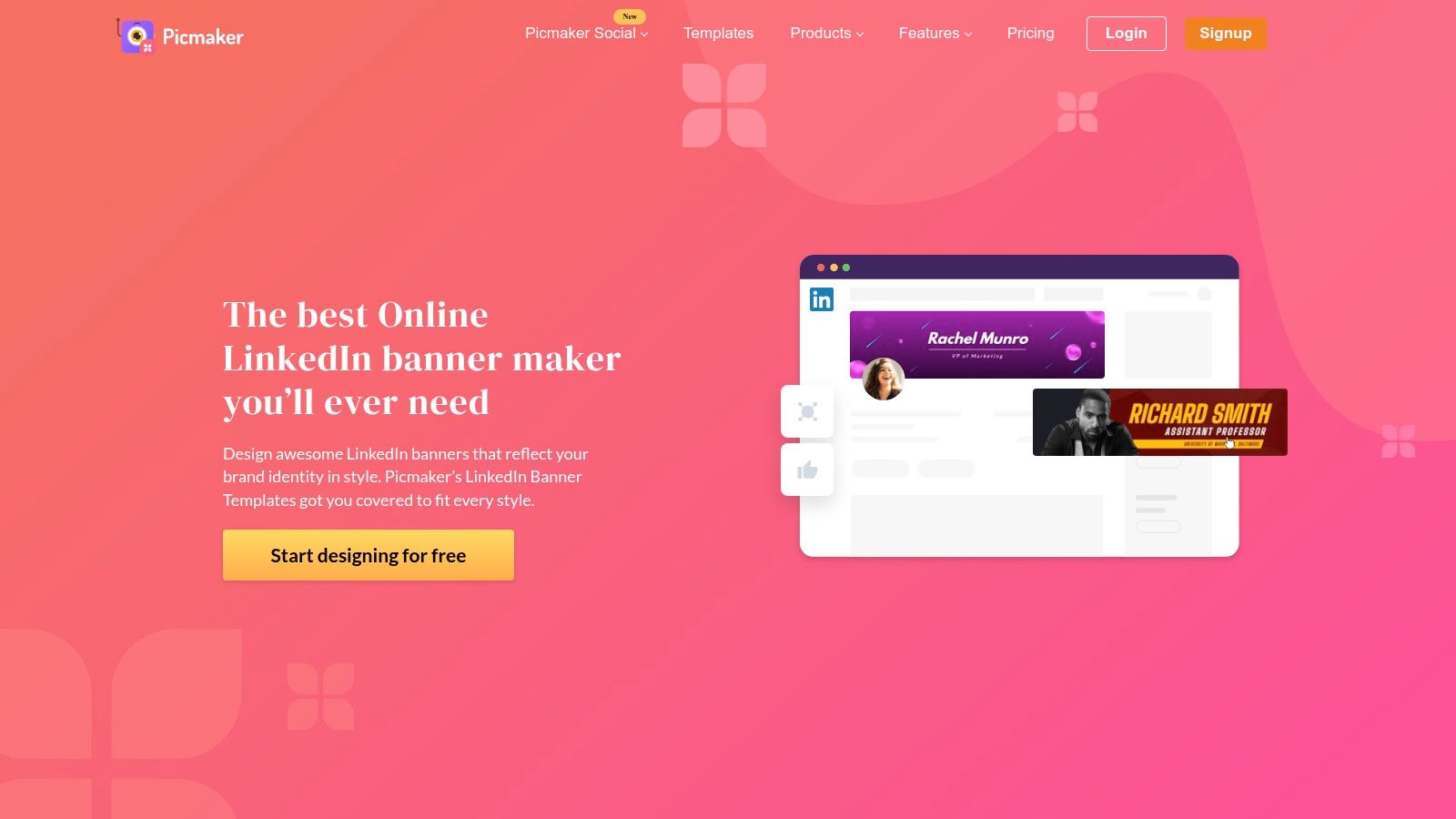
Unlike larger competitors, Picmaker’s core promise is a frictionless experience from start to finish. The platform allows users to download their finished LinkedIn banners without the intrusive watermarks that some free tools impose, a significant advantage for maintaining a professional image. While its library of templates and design assets is more modest compared to giants like Canva, it provides more than enough variety for users needing a one-off banner for a new job, personal brand launch, or profile refresh. The focus is on getting the job done efficiently.
Key Features and User Experience
- Watermark-Free Downloads: A key differentiator is the ability to download your finished LinkedIn banner completely free of any branding or watermarks.
- Ease of Use: The interface is exceptionally intuitive, making it a great choice for individuals with no prior design experience who need a banner in minutes.
- Basic Brand Controls: The free version includes fundamental controls for customising colours and fonts to align the banner with your personal or company brand identity.
Website: https://www.picmaker.com/linkedin-banner-maker
Top 12 Free LinkedIn Banner Tools Comparison
| Tool | Key features / Unique selling points ✨🏆 | UX & Quality ★ | Price / Value 💰 | Target audience 👥 |
|---|---|---|---|---|
| Canva | ✨ Huge template & stock library, drag‑&‑drop, AI tools. 🏆 Most versatile | ★★★★ | 💰 Strong free tier; Pro for premium assets | 👥 Creators, marketers, teams |
| Adobe Express | ✨ Polished templates, one‑click resize, no watermark on free designs. 🏆 Best typography | ★★★★ | 💰 Free core; Premium for assets | 👥 Designers, marketers |
| Fotor | ✨ AI background & image tools + ready templates | ★★★ | 💰 Free w/ limits/watermark; Pro unlocks assets | 👥 Beginners, quick editors |
| Freepik | ✨ Massive editable vectors & source files; broad stock library | ★★★★ | 💰 Free w/ attribution; Premium for top assets | 👥 Designers, agencies |
| Snappa | ✨ Simple editor, correct sizes, quick resize between socials | ★★★ | 💰 Free limited downloads; paid for more | 👥 Marketers, small teams |
| Kapwing | ✨ Huge template catalog, fast collaborative editing | ★★★★ | 💰 Free exports w/ watermark; paid removes limits | 👥 Teams, content ops |
| Visme | ✨ Designer‑grade branding, charts & data widgets | ★★★★ | 💰 Restrictive free plan; paid for exports | 👥 Brands, presentations, agencies |
| Venngage | ✨ Guided templates, icons, live support for non‑designers | ★★★ | 💰 Free view/share only; Premium for downloads | 👥 Non‑designers, educators |
| Pixelied | ✨ Lightweight UI, magic resize, basic brand helpers | ★★★ | 💰 Affordable Pro annual; limited free | 👥 Solopreneurs, small biz |
| Picsart | ✨ Mobile‑first editor, AI effects & large asset library | ★★★ | 💰 Free limited; Plus/Pro for AI & storage | 👥 Mobile creators, social editors |
| Kittl | ✨ EU‑based, strong typography, transparent licensing | ★★★★ | 💰 Free low‑res; paid for commercial/high‑res | 👥 Designers (EU), print |
| Picmaker | ✨ Presized templates, no‑watermark LinkedIn downloads | ★★★ | 💰 Free friendly; smaller asset library | 👥 One‑off users, fast banners |
From Banner Creation to Consistent Content: Your Next Steps
You’ve just explored a comprehensive toolkit designed to help you create a professional linkedin banner free of charge. We’ve navigated the template-rich environments of Canva and Adobe Express, delved into the powerful photo-editing features of Fotor and Picsart, and uncovered the specialised design assets within platforms like Freepik and Kittl. The journey from a blank canvas to a polished, brand-aligned banner is now clearer than ever.
The core takeaway is that you don’t need a significant budget or extensive graphic design experience to make a powerful first impression on LinkedIn. The ideal tool for you depends entirely on your specific needs and workflow. Whether you’re a busy entrepreneur needing a quick, template-based solution or a creative professional looking for more granular control, there is a free option on this list that will serve you well.
Key Insights Summarised
- Templates are your friend: For speed and efficiency, platforms like Canva, Snappa, and Picmaker offer a massive head start with pre-sized, professionally designed templates.
- Originality matters: To stand out, consider customising templates heavily or building from scratch. Tools like Kittl and Visme offer unique assets that can help you create a truly distinctive look.
- Technical precision is crucial: Always double-check LinkedIn’s current banner dimensions (1584 x 396 pixels) and be mindful of how your profile picture will obscure parts of the design on different devices.
- Copyright is non-negotiable: Using royalty-free image libraries like Unsplash and Pexels, or the integrated stock photo options within tools like Adobe Express, is essential to avoid legal complications.
How to Choose Your Ideal Free LinkedIn Banner Maker
Your choice should be guided by your primary objective. Let’s break it down into actionable scenarios to help you decide:
- If you need a banner in under five minutes: Your best bets are Canva or Adobe Express. Their vast template libraries and intuitive drag-and-drop interfaces are optimised for speed. Simply find a design that resonates, replace the text and images, and you’re ready to upload.
- If you want advanced photo editing and effects: Fotor and Picsart are excellent choices. They go beyond basic banner creation, allowing you to apply sophisticated filters, retouch images, and add creative overlays, giving your banner a more polished, high-end feel.
- If you need a unique, illustrative style: Kittl is the standout option here. Its focus on vintage-inspired graphics, advanced text transformations, and unique design elements ensures your banner won’t look like a generic template.
- If you require data visualisation or infographics: Visme and Venngage specialise in this area. If you want your banner to communicate key statistics, showcase your expertise with data, or feature small charts, these platforms provide the necessary components.
Your Banner Is Just the Beginning
A compelling LinkedIn banner acts as a powerful signpost, immediately communicating your value proposition, industry, and professional brand. It grabs attention and sets expectations. However, to truly capitalise on that initial interest, your banner must be supported by a consistent and engaging content strategy.
Your banner is the promise; your content is the proof. It’s the ongoing conversation you have with your network, the expertise you share, and the value you provide. Creating a linkedin banner free of charge is an incredible first step, but the real growth happens when that visual identity is paired with a steady stream of insightful posts, articles, and comments. This synergy is what transforms a static profile into a dynamic hub for professional opportunities and influence.
Now that your LinkedIn profile looks professional and polished, it’s time to maintain that momentum with consistent, high-quality content. Postline.ai helps you bridge the gap from a great first impression to sustained engagement by using AI to generate post ideas, write compelling copy, and schedule your content in advance. Turn your new visual brand into a powerful content engine by visiting Postline.ai and starting your free trial.

Run every client pipeline in one place
Give each LinkedIn profile its own voice, calendar, approval flow, and analytics. Start in minutes.
Start free trial