
One AI workflow for every LinkedIn client
Plan the calendar, draft, get client approval, publish, and learn what worked. One calm command desk, every client voice kept separate.
Unlimited posts and AI usage. 7-day free trial, no card to start.

The agency reality
Client work doesn’t break in the writing. It breaks between the tabs.
Drafts in docs. Prompts in a generic AI chat. Approvals in Slack. Schedules in a spreadsheet. Comments in twelve LinkedIn tabs. None of it remembers which client it belongs to.
- Prompt history is not a client voice system.
- A spreadsheet is not a content calendar.
- Approved in Slack is not an approval workflow.
- Generic AI flattens every client into the same voice.
Meet Postli
One bird, two jobs.
Postli is the AI that runs alongside you. It works at two levels so planning and writing never collide.

Profile level
Postli Strategist
Sees the whole client account, the calendar, ideas, drafts, sources, analytics, and past posts, then keeps the pipeline moving.
- Plans the pipeline
- Spots calendar gaps
- Reviews performance

Post level
Postli Writer
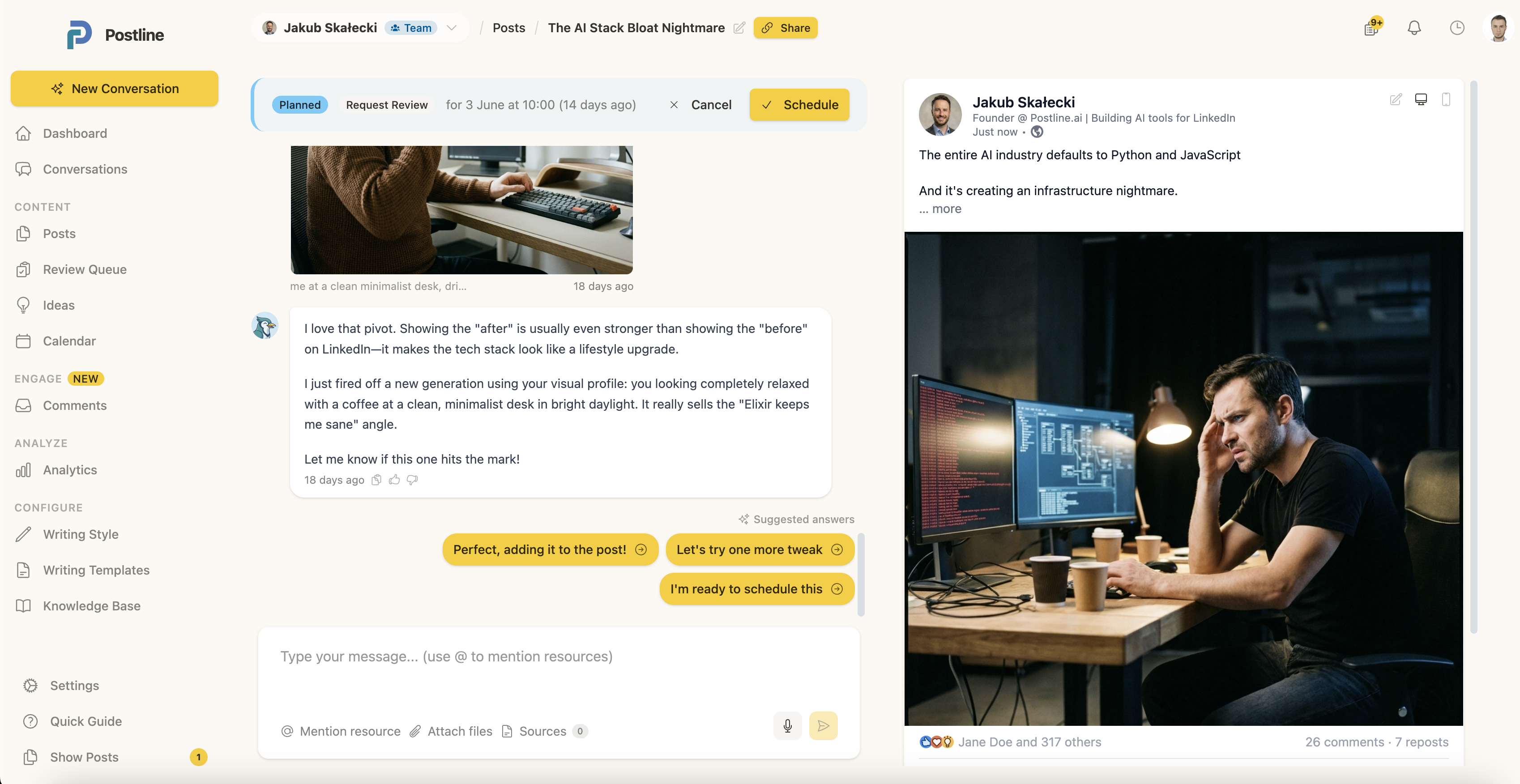
Lives inside one draft, where the writing decisions actually happen, and makes that one post sharper.
- Drafts and rewrites
- Sharpens the hook
- Generates visuals
One keeps the pipeline moving. One makes each post better.
The complete workflow
From idea to approved post, without the tab sprawl
The same five steps for one profile or twenty. No shared LinkedIn passwords. Clients authorize their own profile or company page.
-
01
Set up the client
Add voice, writing samples, sources, topics, schedule, the LinkedIn connection, and Collaboration if needed. Once.
-
02
Plan with Strategist
Ask Postli Strategist for ideas, calendar coverage, or a performance brief. The week fills up without you chasing it.
-
03
Write with Writer
Draft, rewrite, research, review, and generate visuals inside the post, in the client's voice.
-
04
Send for review
With Collaboration, clients approve or request changes before anything goes live. Review status stays on the post.
-
05
Publish and learn
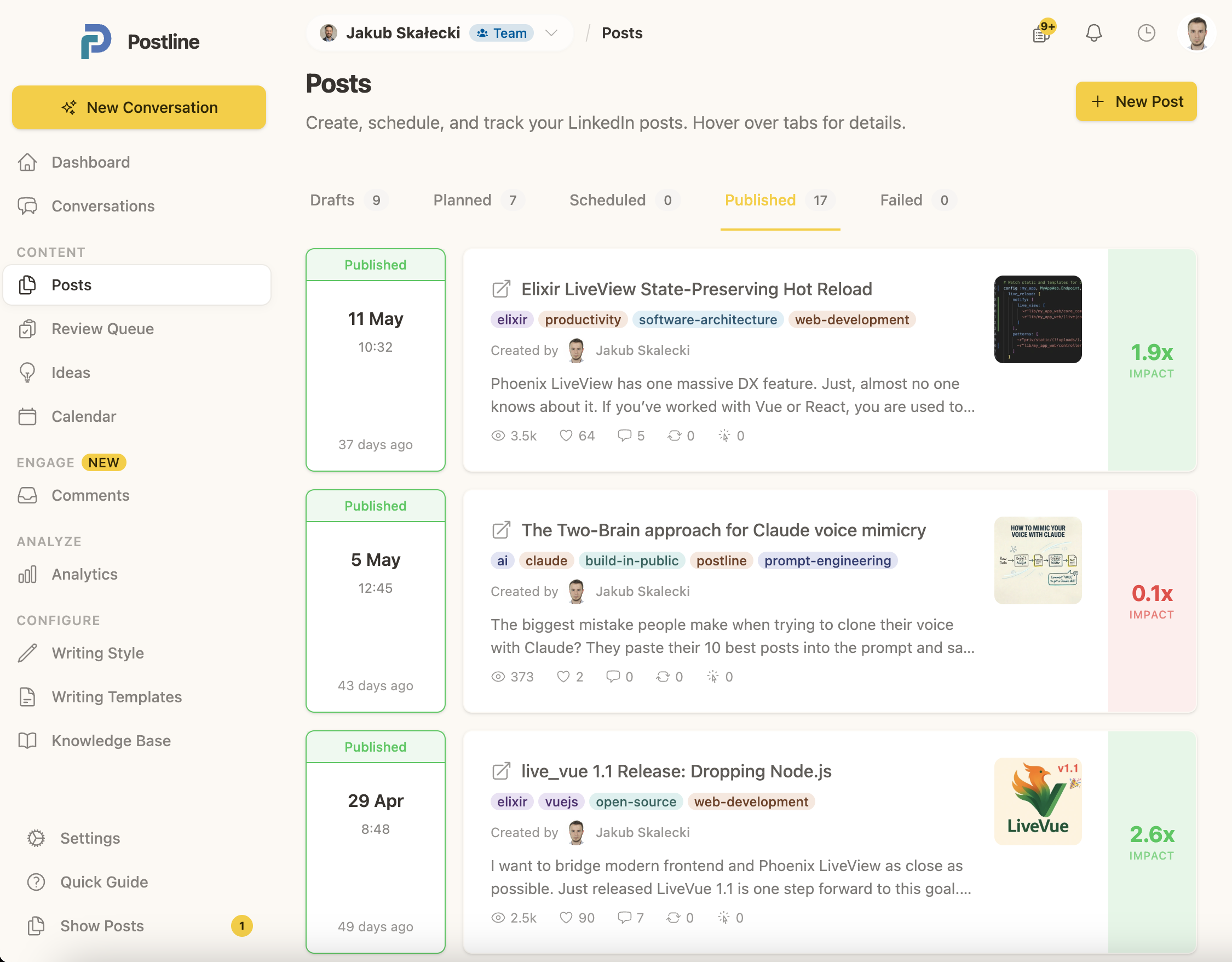
Schedule, publish to LinkedIn, measure Impact Score, and handle comments without leaving.
Client context
Every profile keeps its own memory
Voice, writing samples, knowledge, topics, schedule, approvals, and performance stay tied to the right client. Switching accounts never bleeds one voice into another.
- Writing samples and style analysis per profile
- Knowledge sources and workspace memories
- Profile-specific calendar and analytics
Collaboration and review
Bring clients in without handing over the keys
Invite clients, writers, and teammates into exactly the right level of access. Reviewers see the post and approve or request changes. Nothing more to learn.
- Optional Collaboration add-on for clients and teammates
- Editors get full access, reviewers only approve
- Review status stays attached to the post
The operational basics, already handled
Calendar
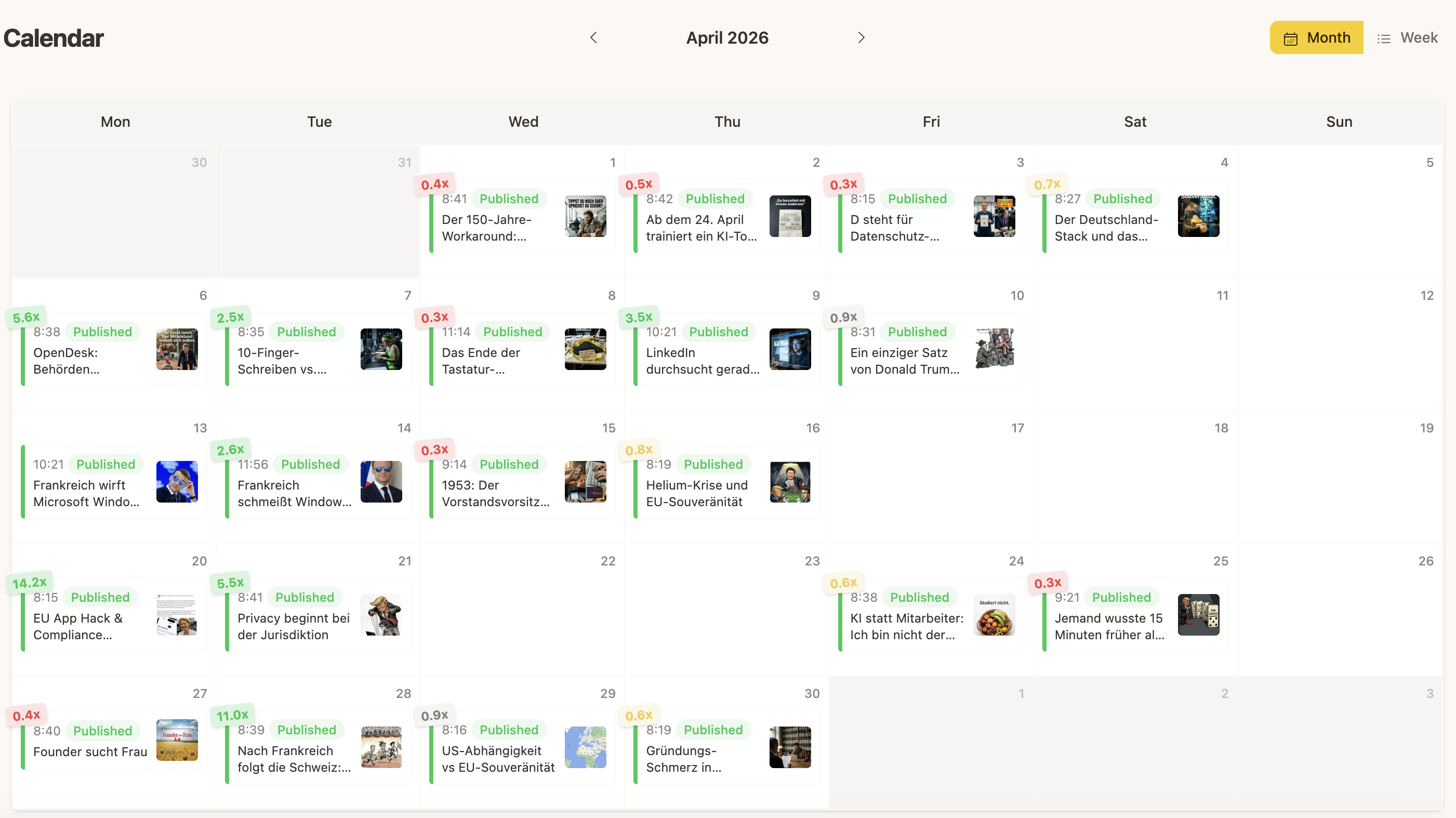
Week or month views, drag posts into slots, keep gaps visible.
Publishing
Schedule or publish to connected LinkedIn profiles and company pages.
Analytics
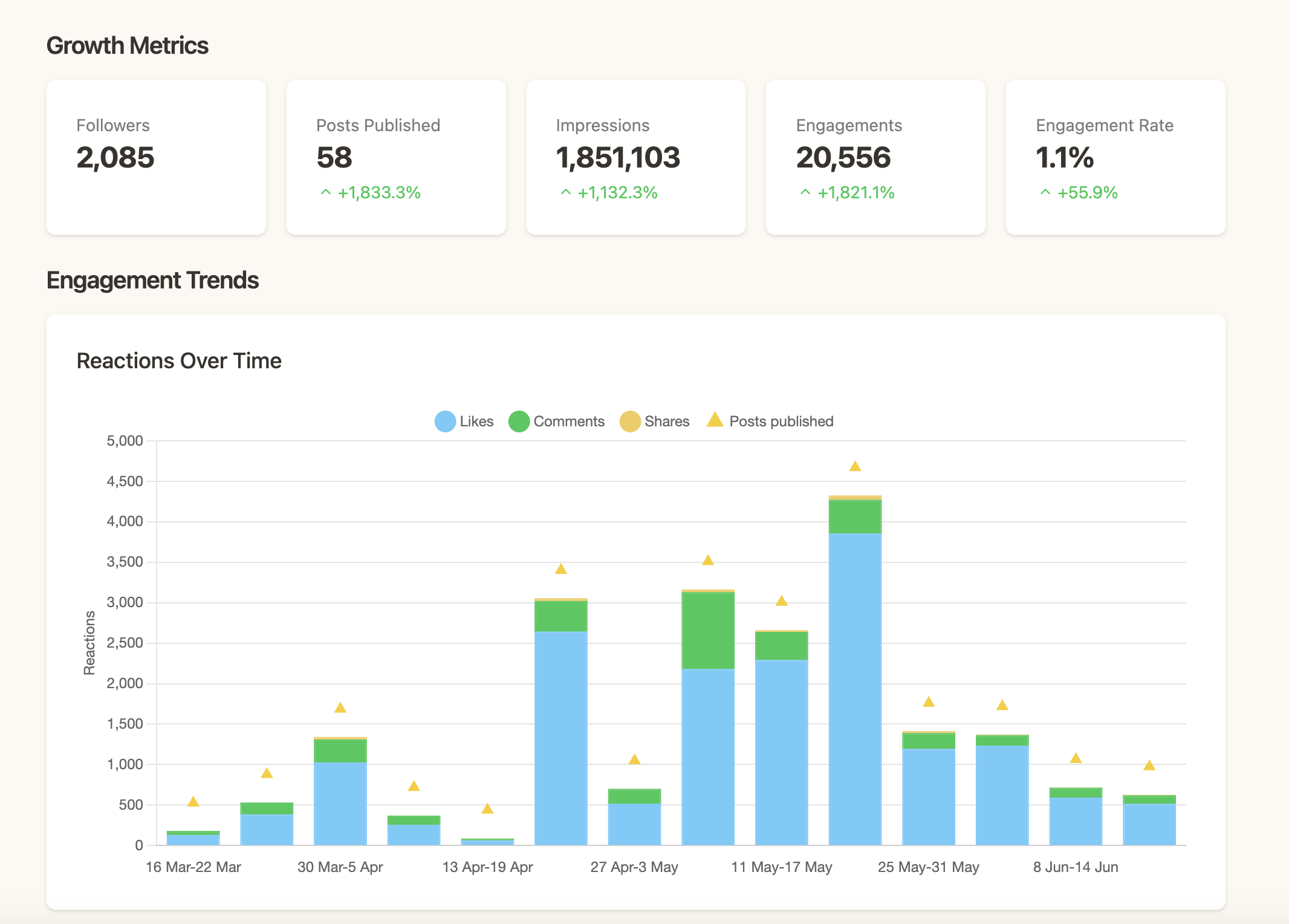
Impressions, clicks, reactions, comments, shares, and Impact Score.
Comments
Reply to LinkedIn comments from the same desk you wrote the post at.
Pricing
Create freely. Pay by connected profile.
Built for teams that revise, experiment, and keep a full calendar moving, without counting every AI request.
$30/mo
- Unlimited posts
- Unlimited AI usage
- Calendar, publishing, analytics
- Postli Strategist and Postli Writer
- Collaboration add-on: $10/mo per organization, optional
Questions before you start
Is Postline only for agencies?
No. Solo creators use it too. Agencies and ghostwriters lead the page because multi-profile work is where the workflow pain is sharpest, and the solo experience inherits the same system with less friction.
What is the difference between Strategist and Writer?
Postli Strategist works at the profile level: planning, scheduling, performance, and pipeline movement. Postli Writer works inside one draft: writing, rewriting, research, review, and visuals.
Can clients approve posts before publishing?
Yes, with the Collaboration add-on. Posts can be submitted for review, approved, or returned with requested changes.
Can I invite clients and teammates?
Yes. Add Collaboration for $10/mo per organization to invite unlimited clients and teammates with simple access roles.
Does Postline publish to LinkedIn automatically?
Yes. Connect a LinkedIn profile or company page, schedule posts, and Postline publishes them at the planned time.

Keep every client pipeline moving
One calm desk for every client voice. Set up your first profile in minutes.
Start free trial